Powered by Groq Whisper AI

Voice Typing.
Lightning Fast.

Transform your typing with GroqBoard. Speak naturally and watch your words appear in real time. Bilingual. Accurate. Private.

🎙️ Voice to Text
⚡ Lightning Fast
🔒 Privacy First
Hey, don't forget to pick up groceries on your way home
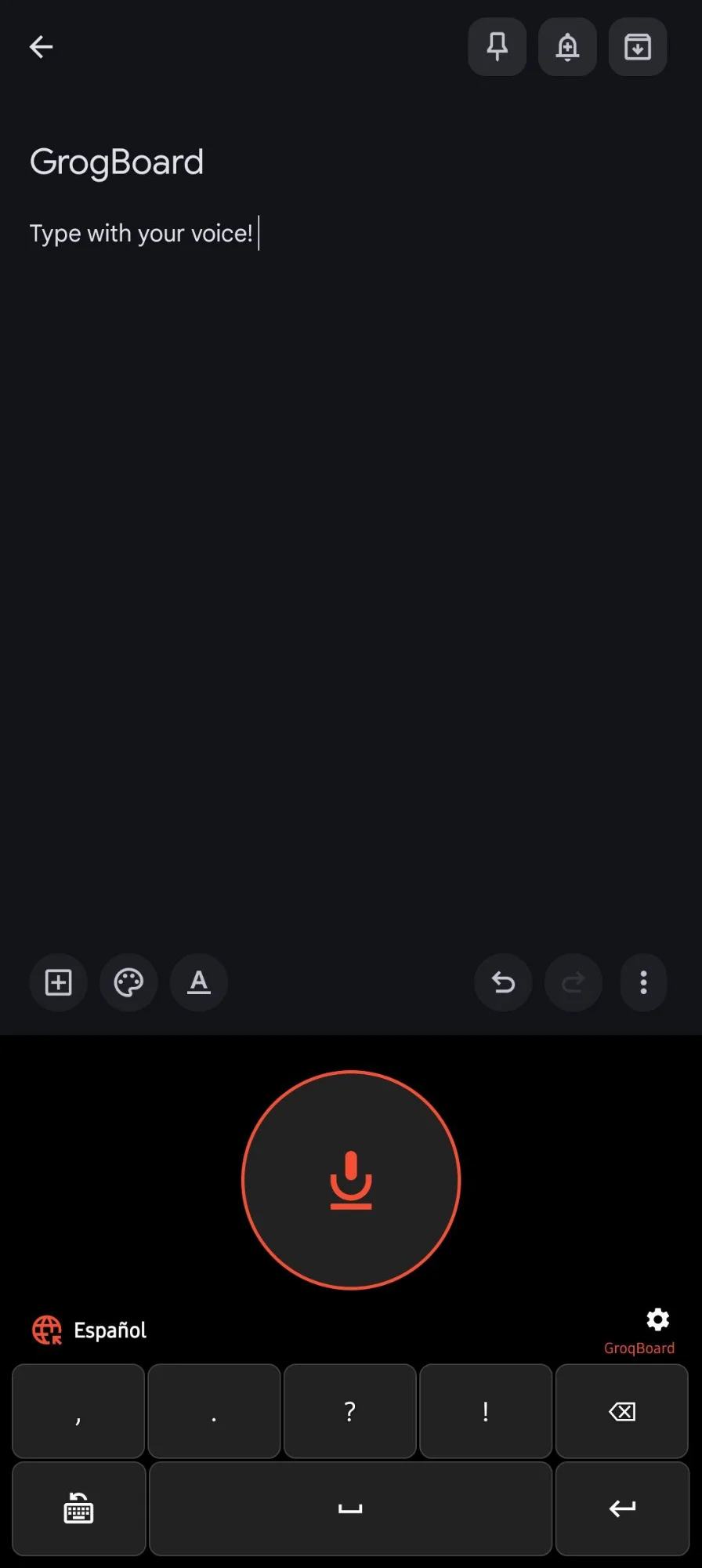
Español
GroqBoard
,;
.:
?¿
!¡
Select All
:)
Whisper Large V3
Powered by Groq
EN · ES · Auto
Language Detection

Everything You Need to Type Faster

GroqBoard combines cutting edge AI with a privacy focused design to give you the best voice typing experience on Android.

🎙️

Instant Voice Typing

Tap the microphone and speak naturally. Your words appear as text in real time using Groq's blazing fast Whisper AI technology.

🌐

Bilingual Support

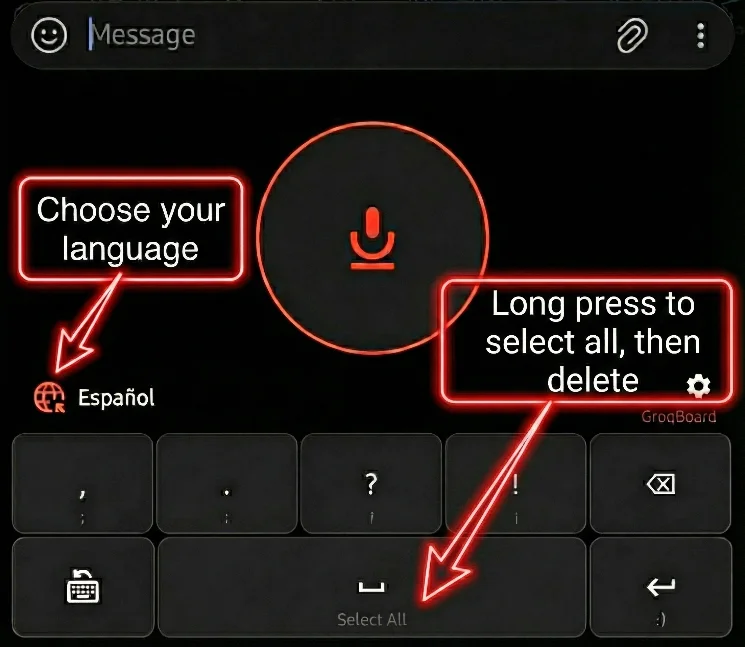
Seamlessly switch between English and Spanish with one tap. The keyboard automatically optimizes recognition for your selected language.

📝

Custom Vocabulary

Add your specialized terms, names, or technical jargon. GroqBoard learns your unique vocabulary for superior accuracy.

Works Everywhere

Use voice typing in ANY app. WhatsApp, Gmail, Google Docs, social media, notes. If you can type there, you can speak there.

🎯

Smart Shortcuts

Press delete 5 times to clear all text. Quick punctuation keys for common symbols. Instant keyboard switching button.

NEW

Wear OS Support

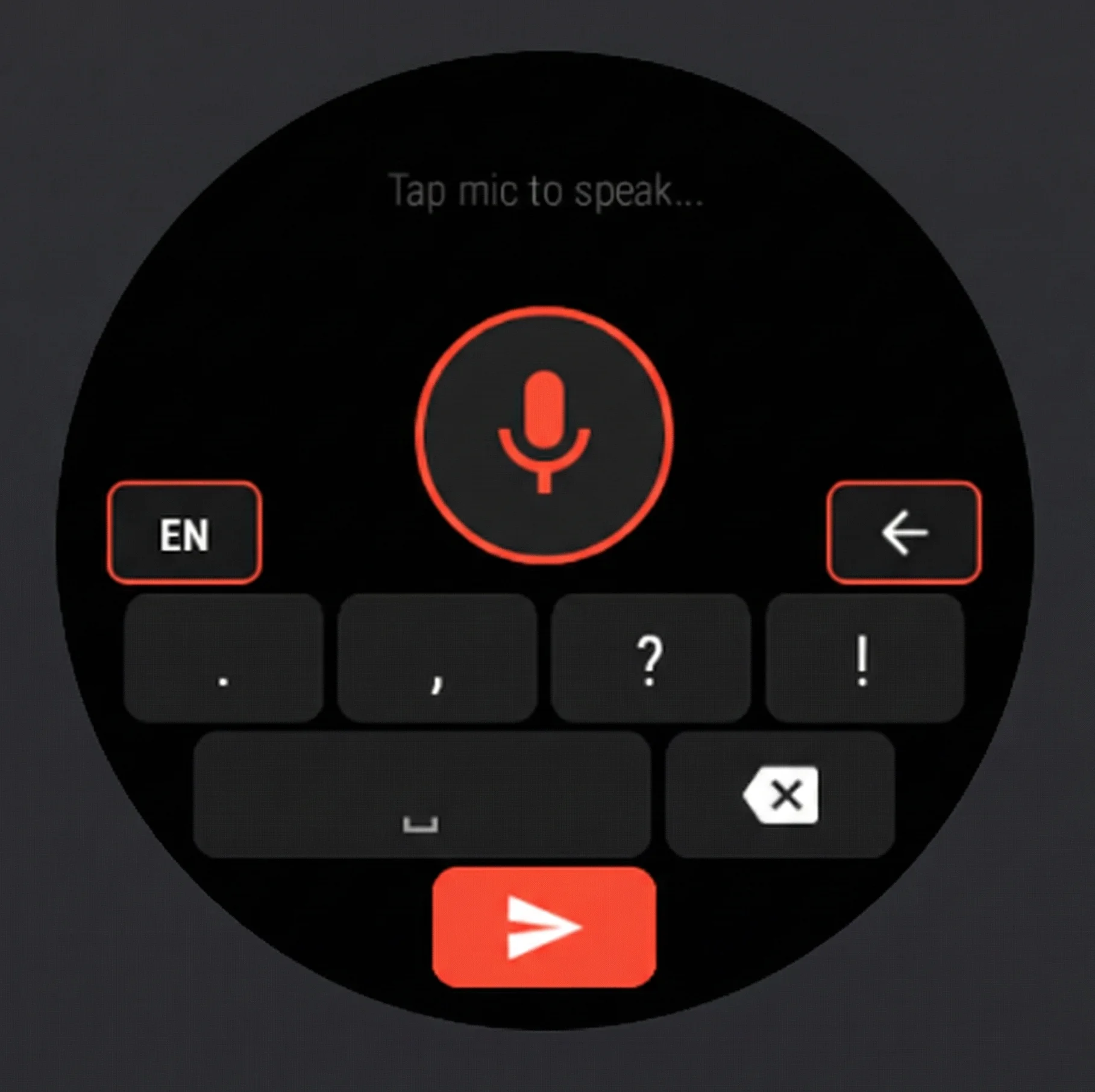
Dictate from your smartwatch. Your settings sync automatically. Type anywhere, straight from your wrist with a watch optimized UI.

GroqBoard on Wear OS

Now on Your Wrist

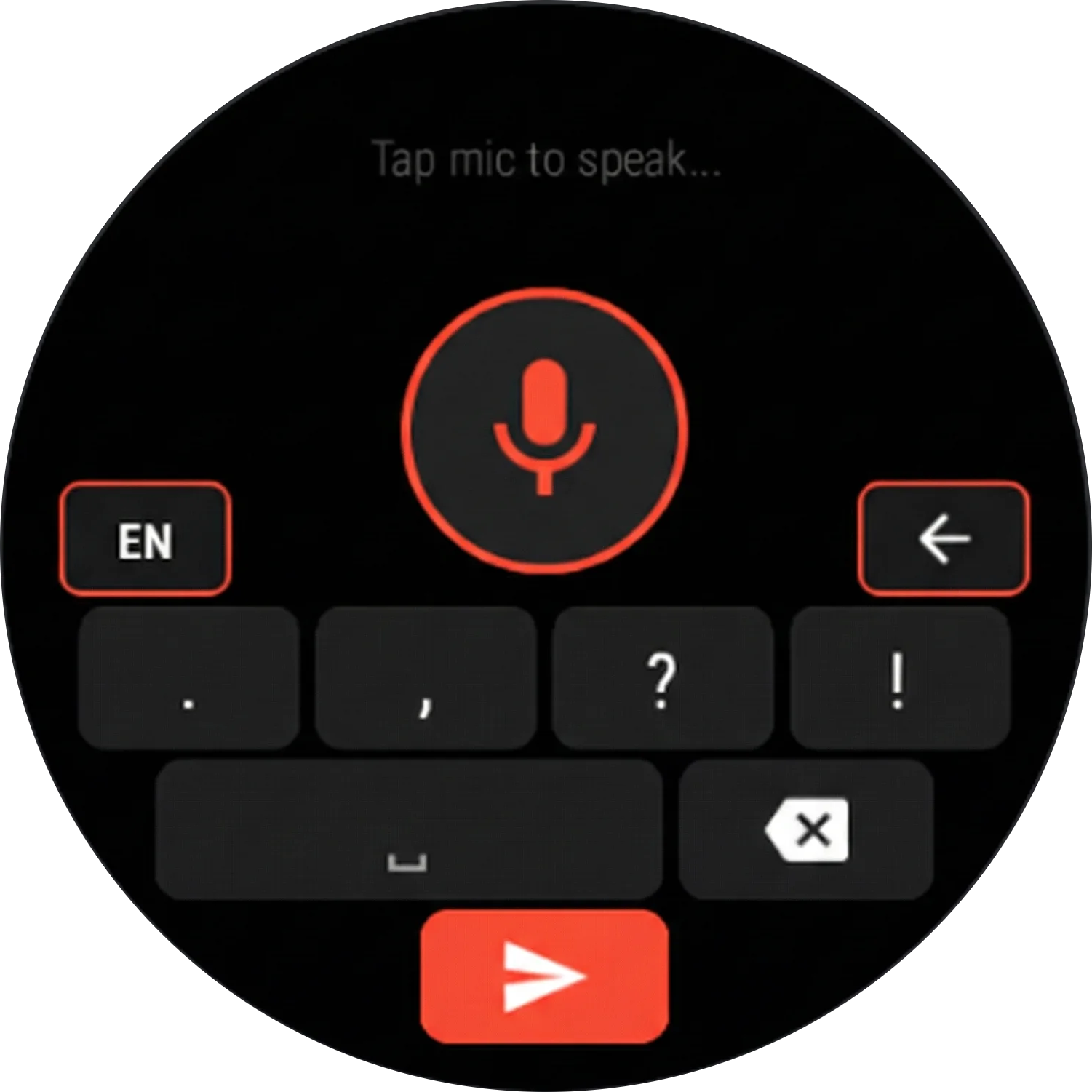
GroqBoard brings the same lightning fast voice typing experience to your Wear OS smartwatch. Reply to messages, take notes, type anywhere... all without reaching for your phone.

Dictate from your watch in any app
🔄 Settings sync automatically from your phone
🎯 Watch optimized circular UI design
🌐 Full language support including Auto detection
Beautiful. Simple. Powerful.

GroqBoard Voice Keyboard
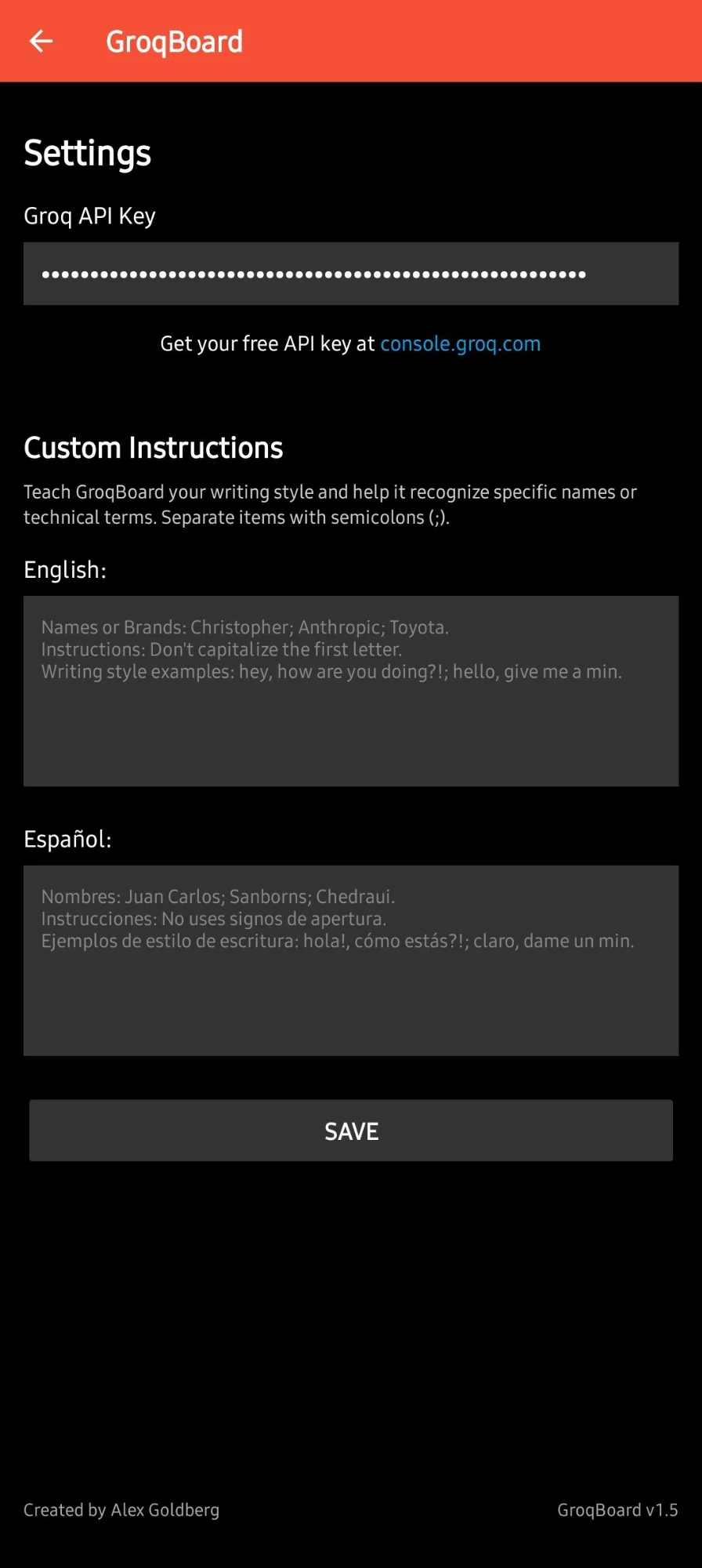
GroqBoard Settings
GroqBoard Keyboard Layout
GroqBoard on Wear OS
GroqBoard Voice Keyboard
GroqBoard Settings
GroqBoard Keyboard Layout
GroqBoard on Wear OS

Up and Running in Minutes

Four simple steps to transform how you type on Android.

1

Enable GroqBoard

Open your Android keyboard settings and enable GroqBoard as an input method. Just takes a few taps.

2

Add Your Groq API Key

Get your free API key at console.groq.com and paste it into the settings. Simple signup, no credit card needed.

3

Customize Your Vocabulary

Optional but powerful. Add names, technical terms, or any specialized words you use frequently for better accuracy.

4

Start Speaking!

Open any app, switch to GroqBoard, tap the mic button, and watch your voice become text instantly.

🔒

Privacy First. Always.

  • Your audio is NEVER stored or collected
  • Recordings are processed instantly and deleted
  • Your API key stays on your device only
  • No ads, no tracking, no data collection
  • No data shared with third parties

Ready to Type Faster?

Join thousands of users who've transformed their mobile typing experience. Download GroqBoard today and experience the future of voice input.